PVC Card Printer India: Buying Guide for Businesses in 2026
What is a PVC Card Printer?
A PVC card printer India businesses rely on is a specialised printer designed to produce high-quality, durable identification cards on PVC plastic card stock. Unlike standard document printers, PVC card printers use dye-sublimation or retransfer printing technology to embed full-colour images, text, barcodes, holograms, and security features directly onto card surfaces — producing professional ID cards, access cards, student identity cards, membership cards, and employee credentials in-house.
Companies like Salvonic, India’s only manufacturer of a Made-in-India PVC card printer, provide organisations with locally built, cost-effective printing solutions backed by full technical support and readily available consumables — eliminating the dependence on expensive imported hardware.
Whether you are a corporate office, educational institution, hospital, government department, or membership organisation, this complete card printer buying guide will help you evaluate the right printer, understand what features matter most, compare pricing, and make a confident procurement decision.
PVC Card Printer India: Why Every Organisation Needs One in 2026
Introduction
The demand for professional ID cards has never been higher. From corporate campuses enforcing access control to universities issuing student IDs at scale, from hospitals managing employee credentials to retailers issuing loyalty cards — every organisation in India that handles identity, access, or membership needs a reliable, in-house card printing solution.
Outsourcing card printing to third-party vendors introduces delays, minimum-order constraints, ongoing per-card costs, and most critically — a security risk. Sensitive employee or student data leaving the organisation for external printing is a governance and privacy concern that no modern institution should accept. An in-house ID card printer for office and institutional use solves all these problems simultaneously, providing complete control over the card issuance process.
This card printer buying guide covers everything procurement teams need to evaluate — print technology, card encoding capabilities, print volume, connectivity, consumables cost, and vendor support — before selecting the right PVC card printer for their organisation’s specific requirements.
PVC Card Printer India: Types of Card Printers and How They Work
1. Direct-to-Card (DTC) Printers
Direct-to-card printers transfer dye directly from a ribbon onto the PVC card surface using a thermal printhead. They are the most widely used and cost-effective category in the Indian market, suitable for the majority of standard ID card, access card, and membership card applications.
Best suited for:
- Employee ID cards in corporate offices
- Student identity cards for schools, colleges, and universities
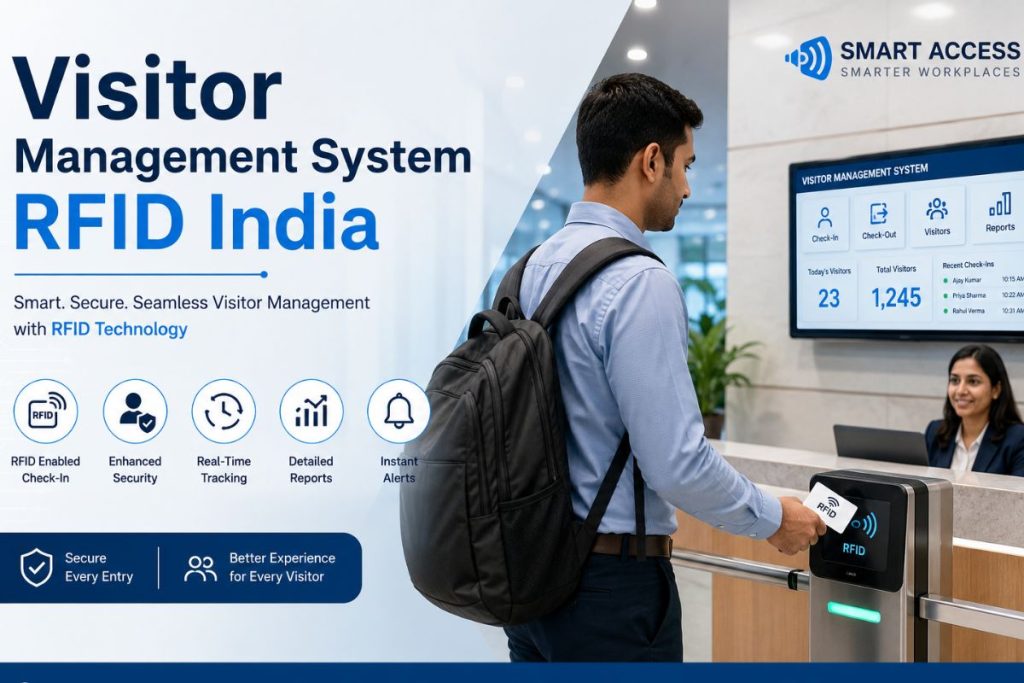
- Visitor management cards for reception and security desks
- Membership and loyalty cards for clubs and retail programmes
- ID card printer for office use at moderate print volumes
2. Retransfer (Over-the-Edge) Printers
Retransfer printers print the card image onto a clear film first, which is then thermally bonded to the card surface. This produces sharper image quality, true edge-to-edge printing, and better durability — making retransfer the preferred technology for government ID programmes, bank cards, and high-security access credentials.
Best suited for:
- Government-issued identity documents and national ID programmes
- Banking and financial institution card issuance
- High-security access credentials for defence and critical infrastructure
- Premium membership cards requiring edge-to-edge full-bleed printing
3. Single-Sided vs Dual-Sided Card Printers
Single-sided printers print on one face of the card only, while dual-sided models print both faces in a single pass. For most organisations, a dual-sided printer delivers significantly more value — enabling photo and personal details on the front face, with department, designation, emergency contact, or barcode on the reverse.
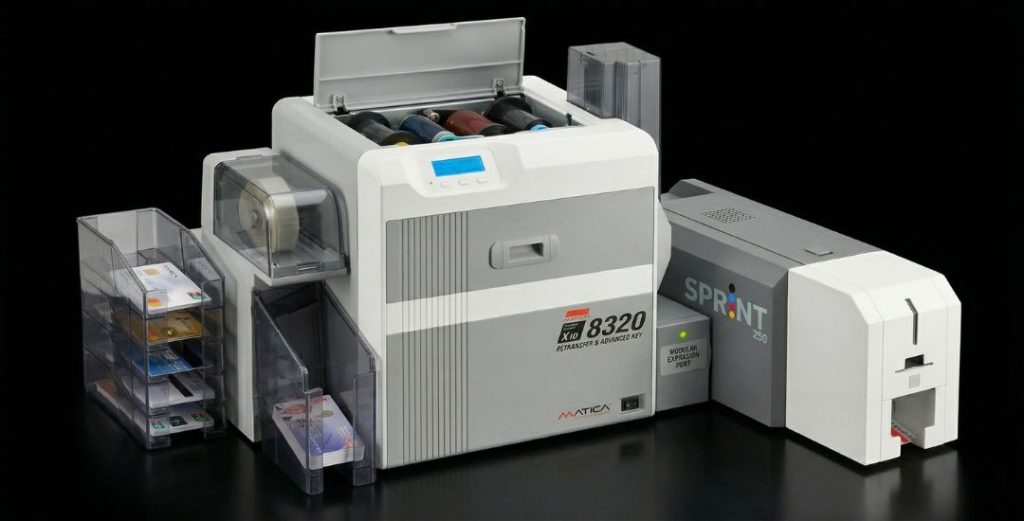
Salvonic’s best ID card printer India offering — the Sprint 230 — is designed for single-sided printing at an accessible price point, making it ideal for organisations printing standard employee, student, or access cards at moderate volumes without the higher cost of dual-sided retransfer models.
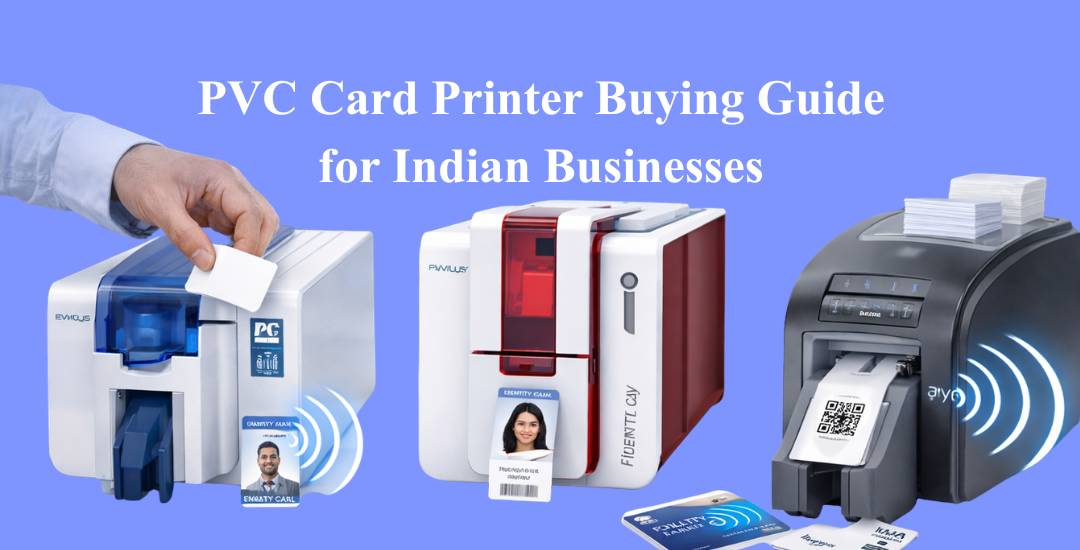
Businesses choose PVC card printer India devices to print secure employee ID cards, membership cards, and visitor badges efficiently.
PVC card printer India technology supports smart card printing including RFID encoding for access control, employee identification, and secure authentication.
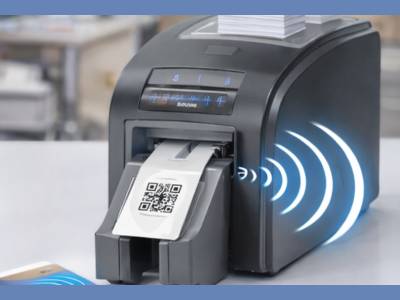
PVC card printer India technology supports smart card printing including RFID encoding for access control, employee identification, and secure authentication. |
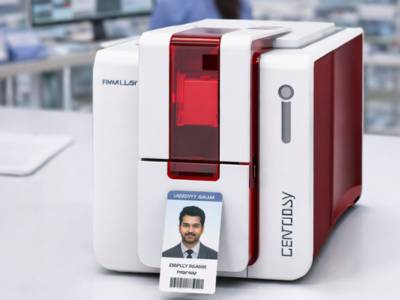
Businesses choose PVC card printer India devices to print secure employee ID cards, membership cards, and visitor badges efficiently. |
PVC Card Printer India: Key Features to Evaluate Before Buying
1. Print Resolution and Image Quality
Print resolution is measured in dots per inch (DPI). Standard card printers operate at 300 DPI, which is sufficient for most ID card applications — producing crisp text, sharp photographs, and clear barcodes. Higher-end models offer 600 DPI for premium card programmes requiring fine-detail printing such as microtext security features or high-resolution facial photographs for government ID.
For most corporate, educational, and institutional buyers in India, 300 DPI is the practical standard. When evaluating a PVC card printing machine price versus output quality, ensure you are comparing printers at the same DPI level for a fair assessment.
2. Print Speed and Volume Capacity
Print speed is measured in cards per hour (CPH). Entry-level printers typically produce 150–200 cards per hour, while mid-range and high-volume models reach 500–1,000+ CPH. Matching printer speed to your organisation’s peak issuance volume is critical — a university issuing thousands of student IDs at the start of each academic year has very different requirements from a corporate office printing 50 cards per month.
Consider the following when evaluating volume requirements:
- Average monthly card issuance volume under normal operations
- Peak issuance periods — new employee batches, semester starts, event credentials
- Whether card printing is centralised at one location or distributed across branches
- Whether print jobs are time-sensitive or can be batched for overnight printing
3. Ribbon Types and Consumables Cost
The ribbon is the primary consumable in any PVC card printer, and its cost directly determines your long-term cost per card. Understanding ribbon types is essential to any accurate PVC card printing machine price comparison — the hardware price is only part of the total cost of ownership.
Common ribbon types and their applications:
- YMCKO (5-panel): Full-colour printing with overlay protection — the standard for most colour ID cards.
- YMCKOK (6-panel): Full-colour front, black monochrome back — ideal for dual-sided cards with text on the reverse.
- K (Black): Monochrome black printing only — most cost-effective for text-only cards like access passes.
- KO (Black + Overlay): Black printing with protective overlay — for monochrome cards requiring durability.
- HYMCKO / HYMCKOKO: Half-panel versions for shorter cards or cost-optimised partial-colour programmes.
- White, Metallic Gold, Metallic Silver: Specialist ribbons for premium card programmes requiring decorative or security printing.
Salvonic supplies the complete range of printer ribbons — YMCKO, YMCKOK, K, KO, HYMCKO, HYMCKOKO, White, Metallic Gold, and Metallic Silver — ensuring that organisations using Salvonic printers have uninterrupted access to genuine consumables at competitive prices, directly from the manufacturer.
4. Card Encoding Capabilities
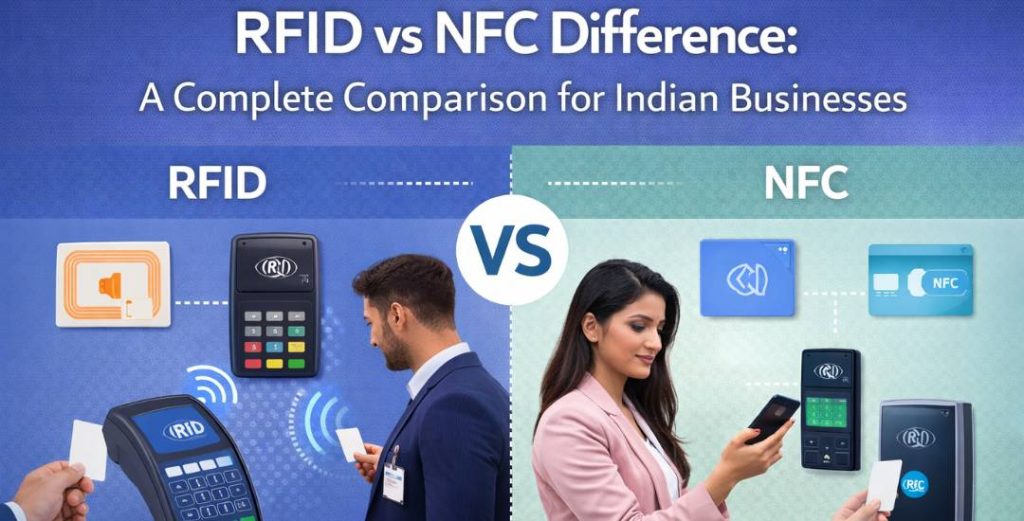
Modern PVC card printers can do far more than print — they can simultaneously encode smart card chips, magnetic stripes, and RFID antennas embedded within the card. An ID card printer with RFID encoding capability allows organisations to produce a combined printed and electronically encoded card in a single pass — delivering both the visual credential and the electronic identity in one operation.
Encoding options to evaluate:
- ID card printer with RFID encoding — contactless chip encoding for access control and attendance systems
- Magnetic stripe encoding — for legacy access and loyalty systems requiring mag-stripe data
- Contact smart card encoding — for high-security applications requiring chip-and-PIN credential
- Proximity card encoding — for standard 125 kHz HID/EM access control deployments
- Mifare encoding — for advanced multi-application cards combining access, cashless payment, and identity
Salvonic’s card range includes plain white PVC cards, contactless Mifare 1K/4K/8K/64K cards, proximity cards (thin and thick), chip cards, and RFID-enabled cards — compatible with most leading card printer models in the market for seamless encoded card production.
5. Connectivity and Software Integration
Card printers connect to your workstation or server via USB (standard), Ethernet (for shared network printing), or Wi-Fi (for flexible deployment). For organisations with multiple departments or branches, network-connected card printers allow centralised card issuance from any authorised workstation without physically relocating the printer.
Software compatibility is equally important. Most printers ship with proprietary card design software, but for integration with existing HR systems, attendance platforms, or student information systems, ensure the printer’s driver is compatible with third-party card personalisation software used in your environment.
PVC Card Printer India: Price Range and What to Expect at Each Budget
Understanding the best ID card printer India options available at each budget tier helps procurement teams set realistic expectations and avoid over- or under-specifying their purchase.
Entry-Level PVC Card Printers (Under ₹50,000)
Entry-level printers in this range are suitable for small offices, schools, and organisations with low monthly print volumes (under 500 cards per month). They typically offer 300 DPI print resolution, single-sided printing, USB connectivity, and support for standard YMCKO and K ribbons. Print speeds range from 150–250 CPH.
Salvonic’s Sprint 230 sits in this category — a Made-in-India ID card printer for office and institutional use that combines reliable performance, locally available support, and competitive consumables pricing. As India’s first domestically manufactured PVC card printer, the Sprint 230 offers organisations a strategic alternative to imported hardware with the benefit of faster service turnaround and no import-dependent spare parts delays.
Mid-Range PVC Card Printers (₹50,000 – ₹1,50,000)
Mid-range printers offer dual-sided printing, higher print speeds (300–500 CPH), magnetic stripe or contact chip encoding options, and improved ribbon efficiency. These are the right choice for organisations issuing 500–3,000 cards per month across HR, security, and student administration functions.
Matica XID 8300 and Matica XPS series printers — also available and supported through Salvonic — fall in this segment, offering retransfer printing technology and expanded encoding capability for organisations that require higher card quality or government-grade output.
High-Volume and Enterprise Printers (Above ₹1,50,000)
Enterprise card printers are designed for high-volume, continuous-duty issuance operations — banks, telecom companies, large government departments, and national ID programme operators. They offer lamination modules, advanced security printing, 600 DPI resolution, high-capacity hoppers (200+ cards), and integrated quality inspection. The Matica XID 8600 — available through Salvonic — serves this tier with retransfer printing and full encoding support.
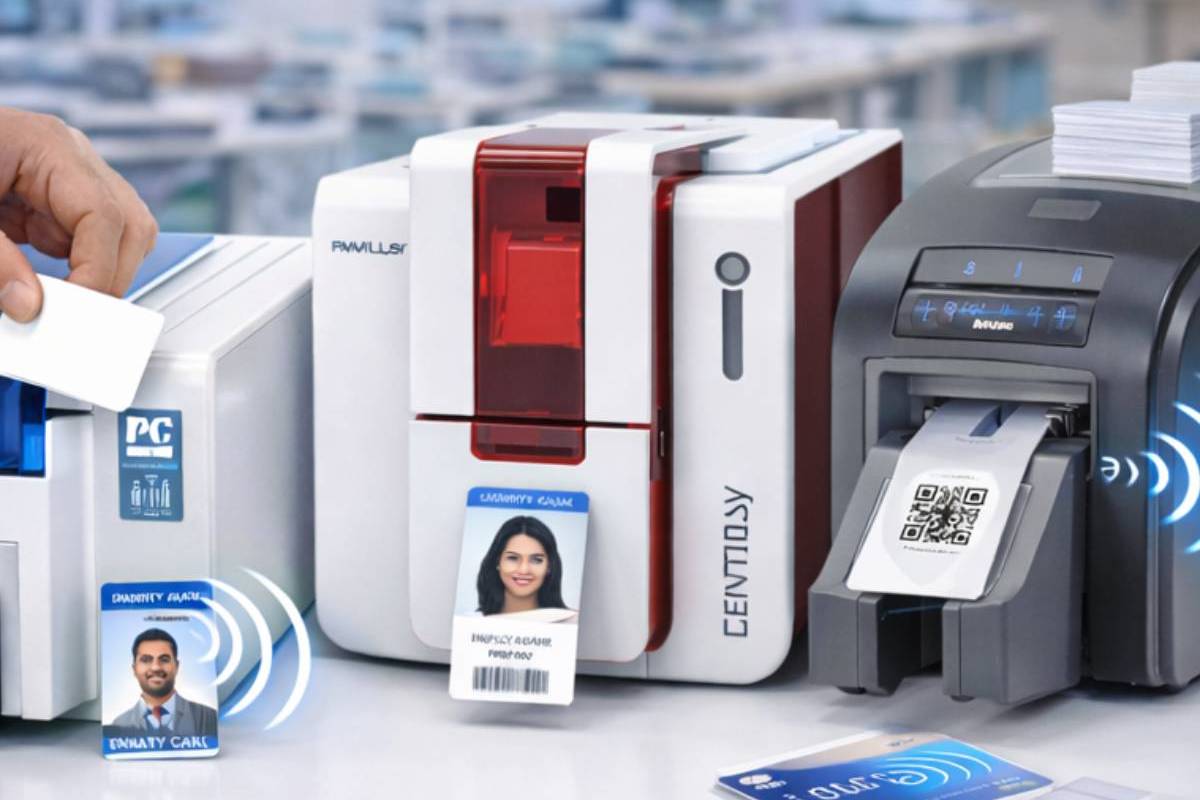
PVC card printer India equipment helps Indian businesses produce high-quality identification cards with fast printing speed and reliable performance.
How to Choose the Right PVC Card Printer for Your Organisation
Following this structured card printer buying guide framework will help procurement teams in any Indian organisation make an informed, specification-matched purchase decision.
Step 1 – Define Your Volume
Calculate your average monthly card issuance and identify peak periods. Match printer CPH to your peak, not your average, to avoid bottlenecks during high-demand periods.
Step 2 – Identify Card Types
Determine whether you need plain printed cards, encoded smart cards, RFID access cards, or combination credentials. This drives your encoder selection and card stock specification.
Step 3 – Set Your Budget (TCO)
Evaluate total cost of ownership — hardware price plus ribbon, card stock, and maintenance costs over 3 years — not just the upfront purchase price. A lower hardware cost often means higher consumables cost.
Step 4 – Check Consumables Availability
Ensure genuine ribbons, cleaning kits, and card stock are readily available in India through the manufacturer or authorised distributor. Delayed consumables halt card issuance operations entirely.
Step 5 – Evaluate Vendor Support
Assess local service availability, warranty terms, driver update frequency, and the vendor’s ability to support integration with your existing HR or access control software.
Step 6 – Consider Future Requirements
If your organisation plans to upgrade to RFID-based access control, ensure the printer supports RFID encoding — an advanced feature that allows RFID data to be written directly onto RFID cards during the printing process. This eliminates the need for separate encoding devices and ensures your ID cards are ready for secure access control systems when needed.
Why Choose Salvonic for Your PVC Card Printer Requirement?
When evaluating a card printer purchase, working with a manufacturer that combines product quality, local manufacturing, comprehensive consumables supply, and technical support provides a decisive advantage over importing equivalent hardware.
Salvonic offers:
- India’s first Made-in-India PVC card printer, purpose-built for the Indian market
- Matica XID 8300, XID 8600, and XPS printers — covering mid-range and enterprise card issuance needs
- Full range of genuine printer ribbons — YMCKO, YMCKOK, K, KO, HYMCKO, HYMCKOKO, White, Metallic Gold, Metallic Silver
- Printer cleaning kits to maintain printhead life and output quality
- Complete card range — plain white PVC, Mifare, proximity (thin/thick), chip, sticky, and RFID cards
- Printer driver downloads and technical support directly from the manufacturer
- Local service support from Salvonic’s team at Okhla Industrial Area, New Delhi
By choosing Salvonic, organisations invest in a domestic RFID and card printing ecosystem that reduces import dependency, supports Make in India, and delivers the responsiveness that only a locally present manufacturer can provide.
Advantages of In-House PVC Card Printing for Indian Organisations
- Complete control over card design, data security, and issuance timing
- Lower long-term cost per card compared to outsourced third-party printing
- Instant card replacement capability — lost or damaged cards replaced same day
- Consistent brand presentation across all credentials and access cards
- Elimination of vendor dependency and minimum-order constraints
- Compliance with data privacy requirements — employee and student data never leaves the organisation
The advantages of in-house card printing extend beyond cost savings. For organisations in regulated industries — banking, healthcare, education, and government — maintaining control of the ID card production process is a governance imperative, not merely a convenience.
Conclusion
Selecting the right PVC card printer India for your organisation in 2026 requires a clear understanding of your print volume, card type requirements, encoding needs, and total cost of ownership. Whether you are a small office issuing basic employee IDs or a large institution managing thousands of student and access credentials, there is a printer specification that precisely matches your needs and budget.
This card printer buying guide has covered the full spectrum — from understanding print technologies and ribbon types to evaluating PVC card printing machine price tiers and following a structured selection framework. For organisations planning to upgrade to RFID-enabled access control, an ID card printer with RFID encoding capability future-proofs your investment. And for day-to-day office ID printing, a reliable ID card printer for office use like the Salvonic Sprint 230 delivers professional results at a cost accessible to any organisation.
Organisations looking for the best ID card printer India has to offer — backed by local manufacturing, comprehensive consumables supply, and genuine technical support — can confidently partner with Salvonic for their complete card printing and identity management requirements.
Frequently Asked Questions
What is the best PVC card printer for Indian businesses in 2026?
The best ID card printer India businesses can choose depends on volume and encoding requirements. For standard office ID card printing, the Salvonic Sprint 230 — India’s first Made-in-India PVC card printer — offers reliable performance, accessible pricing, and locally available consumables and support. For higher volumes or encoded cards, the Matica XID 8300 or XID 8600 may be more appropriate.
What is the price range for a PVC card printer in India?
PVC card printing machine price in India ranges from approximately ₹25,000–₹50,000 for entry-level direct-to-card printers suitable for offices and schools, to ₹50,000–₹1,50,000 for mid-range dual-sided and encoding models, and above ₹1,50,000 for enterprise retransfer printers used in banking and government card issuance programmes.
What is a card printer buying guide and why is it important?
A card printer buying guide helps organisations systematically evaluate print technology, print speed, encoding capability, ribbon types, consumables cost, and vendor support before purchasing. Without a structured evaluation, buyers often over- or under-specify their printer, resulting in either unnecessary cost or inadequate performance for their actual card issuance requirements.
What is an ID card printer for office use and what features should it have?
An ID card printer for office use should offer 300 DPI print resolution, USB or network connectivity, compatibility with standard YMCKO ribbons, and a print speed of at least 150–200 cards per hour. For offices that also manage access control, RFID or magnetic stripe encoding capability adds significant value without a major price premium.
Can a PVC card printer encode RFID cards as well?
Yes. An ID card printer with RFID encoding module can print and encode contactless RFID credentials in a single pass — simultaneously producing the visual card design and writing the electronic data to the embedded chip. This is particularly valuable for access control, attendance, and cashless payment programmes where a single card serves multiple functions.
Ready to Find the Right PVC Card Printer for Your Organisation?
Partner with Salvonic to explore India’s widest range of PVC card printers, ribbons, and card stock — with local manufacturing, genuine consumables, and dedicated technical support.
👉 Request a Consultation
👉 Explore Salvonic Card Printers
👉 Download Driver for Sprint 230